Customer profiles
Find a customer and their contact details
Open a customer profile to see their contact information, notes, tags, and linked pets.

For pet businesses in Canada, open one customer profile to find their pets, contact details, care notes, and linked service records. Your team can see what matters before the next visit.
Chicken sensitivity · owner-reported note
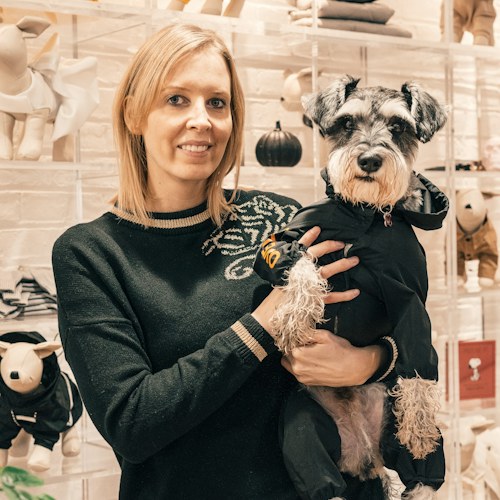
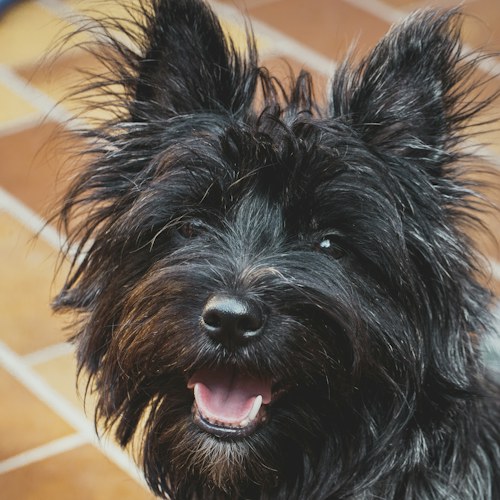
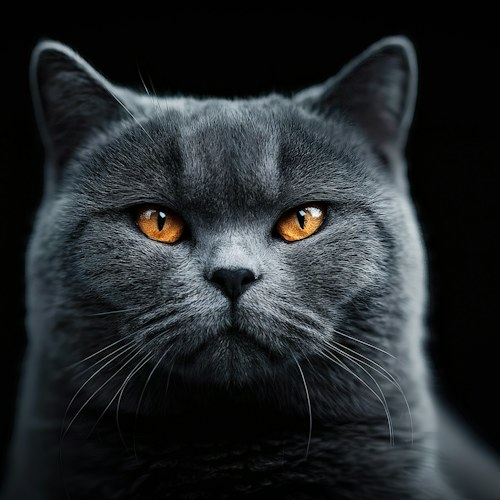
Open Nora Lee's customer record, then choose Pip or Mochi. Each pet has its own details and care information, linked to the same customer.
Pet profile · Nora Lee's dog
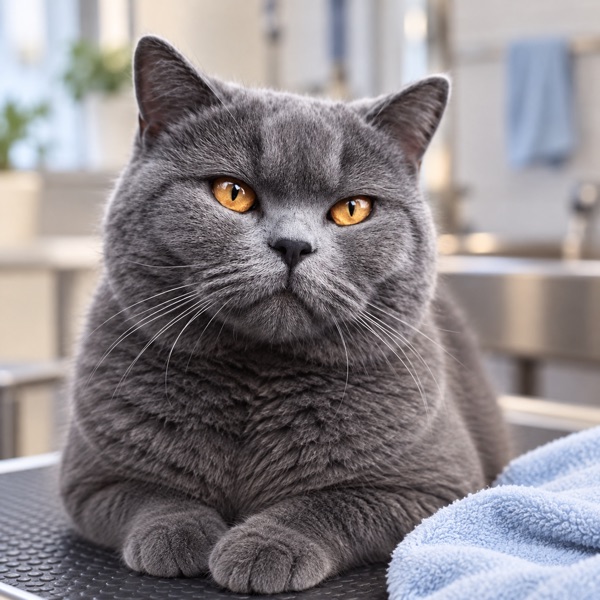
Pet profile · Nora Lee's cat
Care and vaccination details are records entered by the business or customer. PetOS does not validate veterinary records or provide medical advice.
Start with a customer, choose a pet, then open the care notes and service records connected to them.
Open a customer profile to see their contact information, notes, tags, and linked pets.
Select Pip or Mochi to see each pet’s own photo, breed, weight, and microchip details.
See owner-reported allergies, saved medical notes, and vaccination information alongside that pet’s profile.
Open the customer’s related records to find bookings, invoices, and report cards for a visit.
From Nora Lee’s customer record, your team can open Mochi’s care information and the records linked to a grooming visit.
The booking, invoice, and report card stay easy to find when the team prepares for the next appointment.
Nora Lee and Mochi linked to the appointment.
The invoice stays connected to this booking.
Service notes and photo saved with the visit.
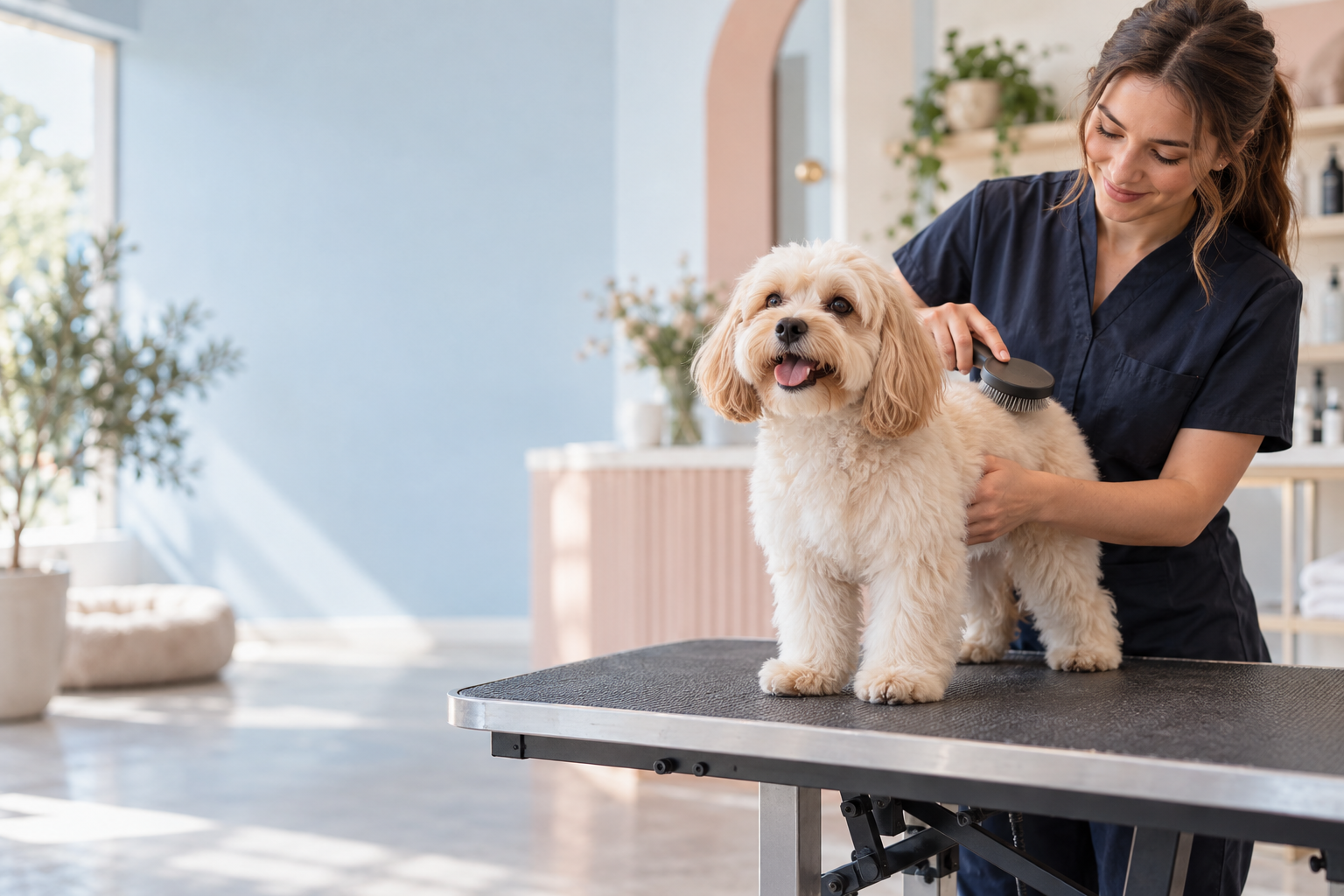
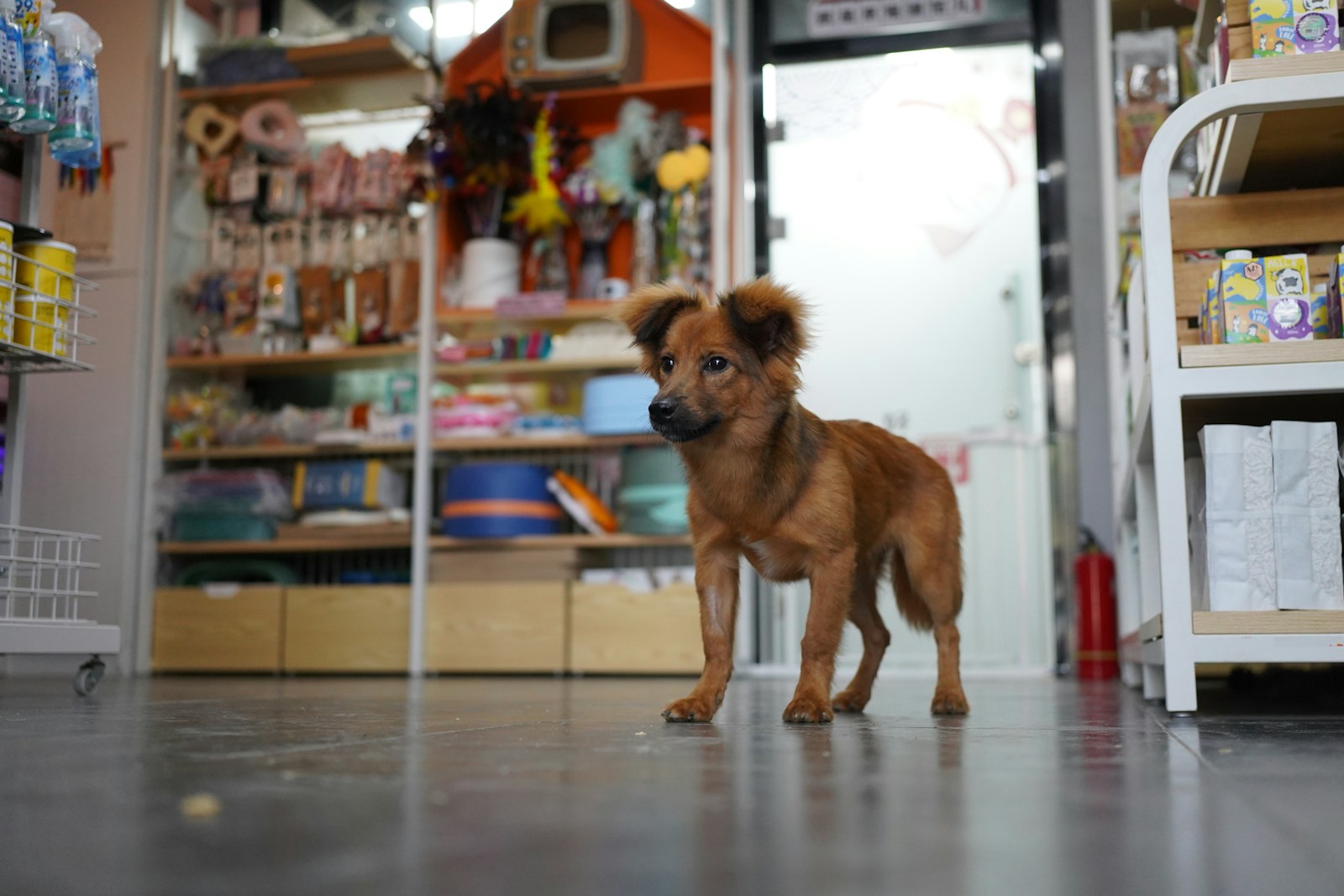
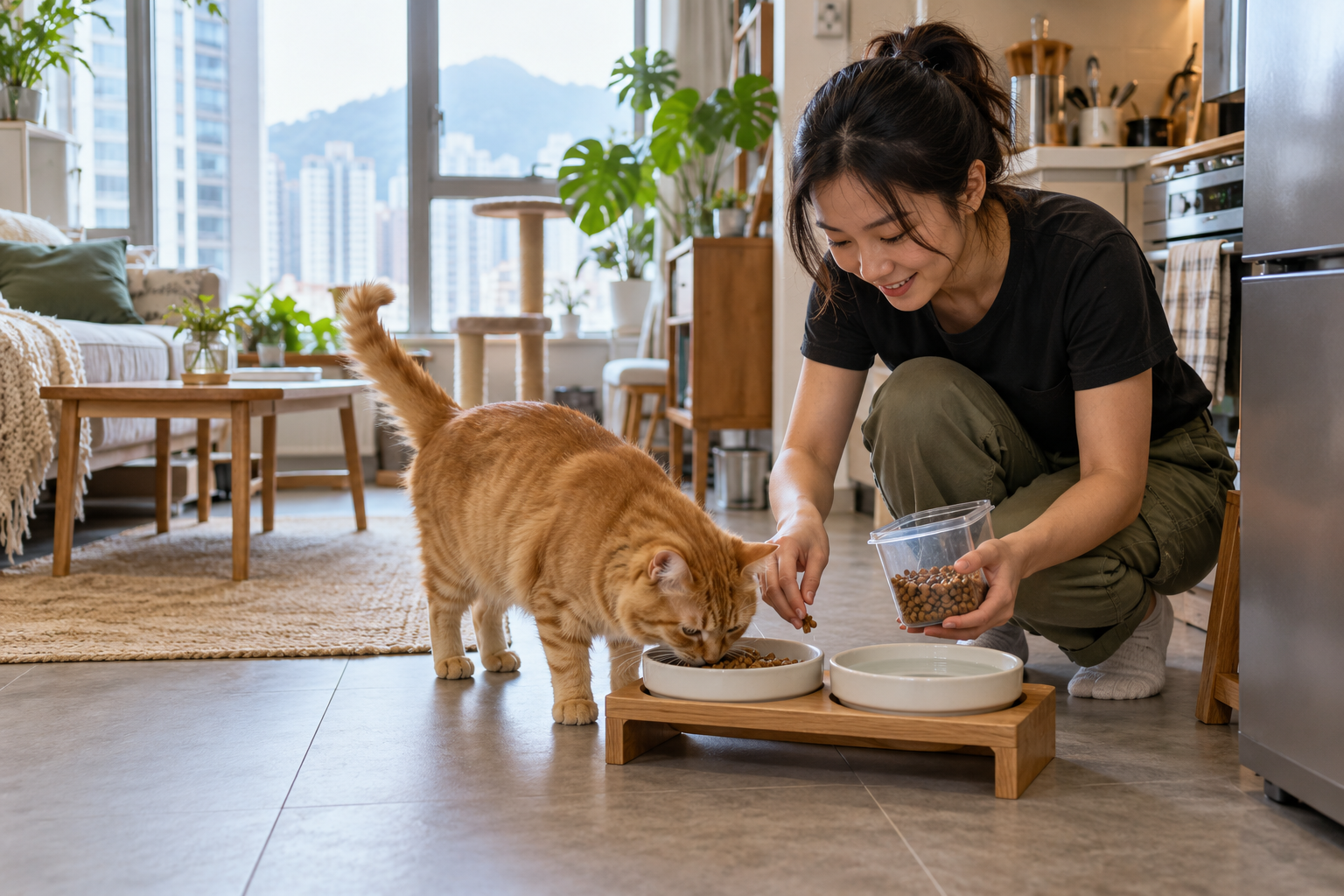
From grooming visits and hotel stays to training history and retail orders, customer and pet records support the work around each service.


Explore PetOS for your business, or see how customer records link to bookings.
Explore your business type Explore booking and scheduling