Home/Business types/ At-Home Pet Care
For at-home pet care

Make home visits easy to book and prepare for

Present cat visits, dog walks, and other home care services to clients in Australia. They can book an available time online, while your team sees the address and pet notes before each visit.

Customers can book online at least 24 hours in advance. Your team can arrange same-day visits directly.
pawandco.com · At-home care
Paw & Co.Services · About · ContactBook now
CAT VISITS & DOG WALKS

Care at your doorstep.

Cat care visitFeeding & check-in · 30 min
From A$35
YOUR PETChoose a pet
AVAILABLE TIMEChoose a time
Review service detailsContinue →
The work behind every home visit

Three things that make at-home care harder than it needs to be

Customers want an easy way to book and reassurance that their pet is cared for. The visiting team needs the right information at the right time.

Pain 01

Booking takes too much back-and-forth

Service details, available times, and payment choices are hard to settle through messages alone.

With PetOS

Put clear services and open times on your public site so customers can book directly.

Pain 02

Visit details live in different places

An address, pet routine, and agreement status may need checking before someone leaves for the visit.

With PetOS

Open the booking, then review the linked customer and pet records in one workflow.

Pain 03

The owner cannot see how the visit went

After a cat visit or dog walk, a short, credible update matters as much as the appointment itself.

With PetOS

Add a visit photo and note to a report card, then review it before sharing.

One home visit, start to finish

Follow the work from setup to follow-up

The first step belongs to the business, the booking to the customer, and the visit to your team.

  1. 01 · BUSINESSSet up
  2. 02 · CUSTOMERBook online
  3. 03 · TEAMPrepare
  4. 04 · CARERVisit & note
  5. 05 · TEAMShare & settle
01 / Set up and publish

Set up a service customers can understand

In PetOS, add the description, photo, price, duration, and relevant extras. The public listing shows customers what a visit includes before they book.

01Describe the care and show a relevant photo
02Set the price and visit duration
03Add extras where they make sense
Explore website & service listings
PetOS workspace · Service setupPhoto added · 45 min · A$43 · Extras set
Paw & Co. · Dog walkingCustomer-facing service example
DOG WALKING

Neighborhood dog walk

A 45-minute neighbourhood walk with fresh water and a short update after the visit.

From A$4345 minutes
Optional add-onExtra pet · +A$12
Extended walk · when available
Choose this service →

Merchant service example · the Miso visit below is a separate customer booking.

02 / Customer booking

Emma books a cat visit for Miso

On Paw & Co.’s public site, Emma chooses Miso, a 30-minute cat care visit, and an available time. The booking appears in PetOS for the team.
Paw & Co. · Review bookingCustomer-facing site
Service ✓Pet ✓Time ✓Payment
SERVICECat care visit · 30 minutes
PETMiso · Cat
AVAILABLE TIMEThursday, 12 November · 10:30
PAYMENT CHOICEA$10 deposit · A$25 later
Confirm booking
PetOS · Booking detailTeam workspace
BOOKING #BK-1042Confirmed
CustomerEmma Wong
PetMiso · Cat
ServiceCat care visit · 30 min
ScheduleThu, 12 Nov · 10:30
TotalA$35
PaymentA$10 deposit received
Direct online bookingCustomers can book at least 24 hours ahead; the team handles same-day arrangements directly.
03 / Team preparation

Open the details before heading to the home

The booking connects Emma’s contact and saved address with Miso’s pet profile. The team can review the feeding routine, assigned staff, and agreement status before the visit.

Everything the carer needs to check stays close to the booking, so the visit can begin with the right context.

Explore customer & pet records
Visit preparationPetOS workspace
BK-1042 · EMMA WONG

Cat care visit

Assigned carerAlex
ContactPhone number hidden
Saved addressSaved visit address
Agreement, if usedSigned
Pet profilePetOS workspace
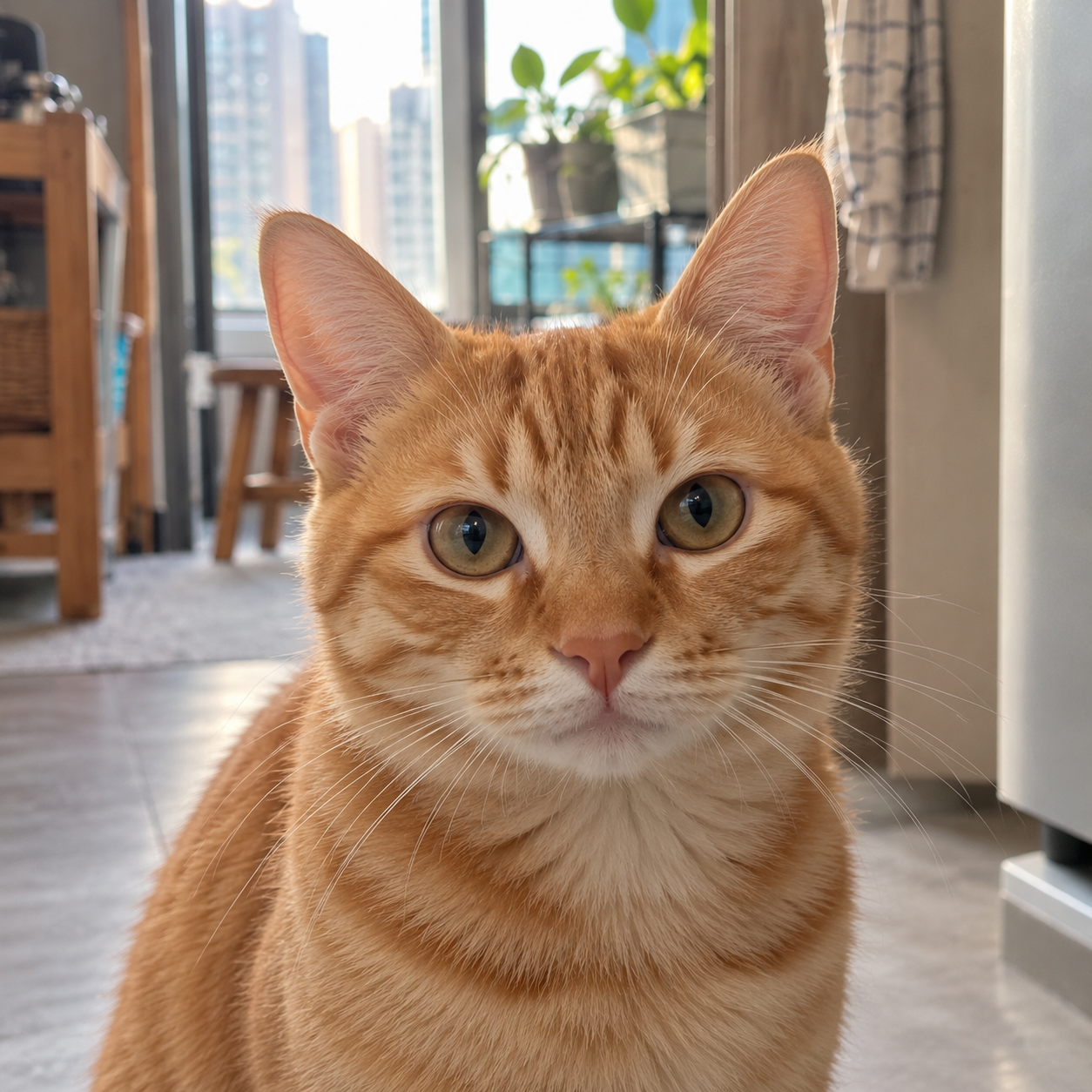
Miso, an orange tabby cat
MISO · CAT

Care notes

Feeding routineWet food · morning
WaterTop up bowl
TemperamentShy at first
PhotoOn file
One visit, with the booking, customer address, pet notes, and agreement status close together.
Explore digital agreements
04 / During and after the visit

Add care notes on the spot, then share an update

Alex can add the completed care, a photo, and a short note from a phone during Miso’s visit. After reviewing the report card, the team can share it with Emma.

At the homeCapture what was done while the details are fresh.
After the visitSend Emma a clear photo and care update.
Explore report cards
9:41●●● ▰
PetOSVisit in progress
BK-1042 · EMMA WONG · MISO

Cat care visit

✓Food served
✓Fresh water added
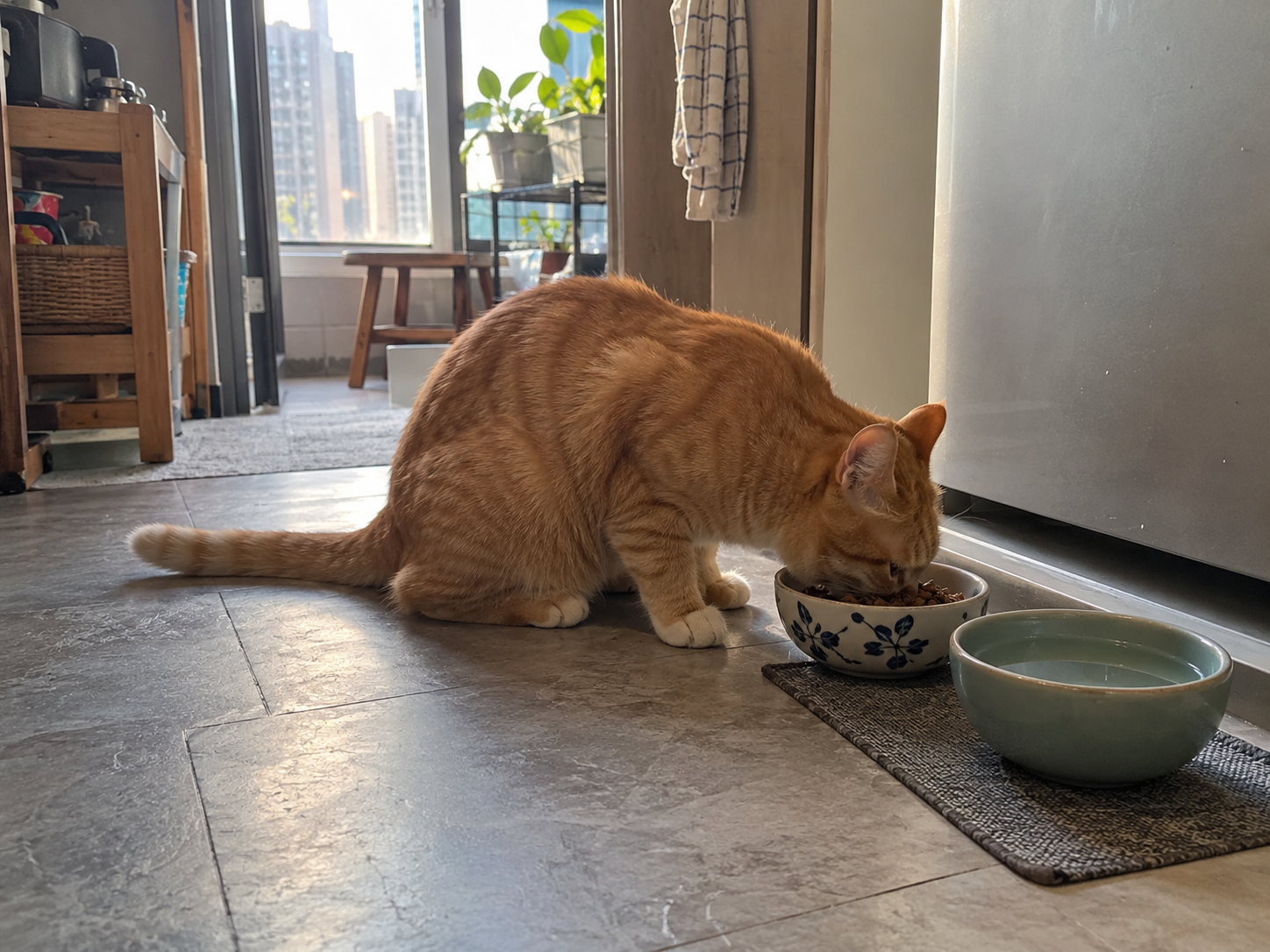
Miso eating beside a fresh bowl of water during the home visit1 visit photo added
NOTE TO EMMA

Miso ate well. I refreshed the water and checked the litter tray before leaving.

Save visit notes →
AFTER TEAM REVIEWMiso eating during the cat care visitMiso’s visit report

Photo and care note are ready to share with Emma.

Share report card →

Illustrative phone and report preview · example visit details

PetOS · Payment & invoiceTeam workspace
CAT CARE VISIT · MISO

See what is paid and what is still due

Total visit priceA$35
Deposit received at bookingA$10
Remaining balanceA$25
RELATED RECORDInvoice INV-1042 · Linked to booking
05 / Share and settle

Finish the visit with a clear payment record

Emma selected the deposit when booking. After the visit, the team can see what has already been paid, what remains, and the invoice linked to this booking. Full payment or pay later can also be offered where configured.

Explore invoices & finance
See how PetOS fits your home visits

Make every home visit easier to manage

Explore booking and scheduling or browse the wider PetOS platform.