
Show your grooming services and let customers book ahead
Give grooming clients in the United Kingdom a clear view of your services, prices, and add-ons. They can choose a service and pet, then book at least 24 hours ahead. Your team can arrange same-day walk-ins directly.
Full grooming
Bath, coat care & finishing trim
Where a grooming appointment gets messy
Three moments that can create extra questions or work for a salon.
Customers have to ask what is includedWhen price, duration, and add-ons are unclear, the team has to explain the service again.
Staff have to hunt for visit detailsPreparing for Coco is harder when the booking, care notes, payment status, and agreement are scattered.
Follow-up becomes another taskPhotos and notes still need to become an update Emma can understand and keep.
Follow Coco’s appointment through five moments
See what Emma does on Paw & Co.’s public site and what the salon team does in PetOS.
- 01SalonSet up
- 02EmmaBook
- 03TeamPrepare
- 04GroomerGroom & note
- 05TeamShare & close
Set up your services, schedule, and payment choices
Add a service photo and description, set its price and duration, then choose optional extras. Set available times and payment choices before customers reach the booking form.
Your public page can use English and Traditional Chinese. PetOS can help translate service names and descriptions as you create them.
Full grooming
Bath, coat care, and a finishing trim tailored to the pet.
* Available payment choices depend on the salon’s configuration.
Emma books Coco’s grooming visit

She chooses a service, selects Coco, picks an available time, and reviews the payment choice. Online customer bookings are at least 24 hours ahead; the salon handles same-day arrangements directly.
- 01Choose a serviceFull grooming
- 02Select a petCoco
- 03Pick a timeTue · 11:30
- 04Review paymentDeposit
Full grooming for Coco
Tuesday · 11:30–13:00
Offer full payment or a deposit. Pay later is available where configured. Explain any balance due and refund terms in your salon’s own policy.
Tell customers your cutoff, any fee, and what happens if they arrive late. Your team can mark a missed booking No-show in PetOS; fee and rescheduling decisions stay with your salon.
Coco’s booking reaches the team with her details
The team opens one booking to review Emma, Coco, the service, appointment time, assigned staff, and payment status. Coco’s linked profile keeps relevant care notes close to the visit.
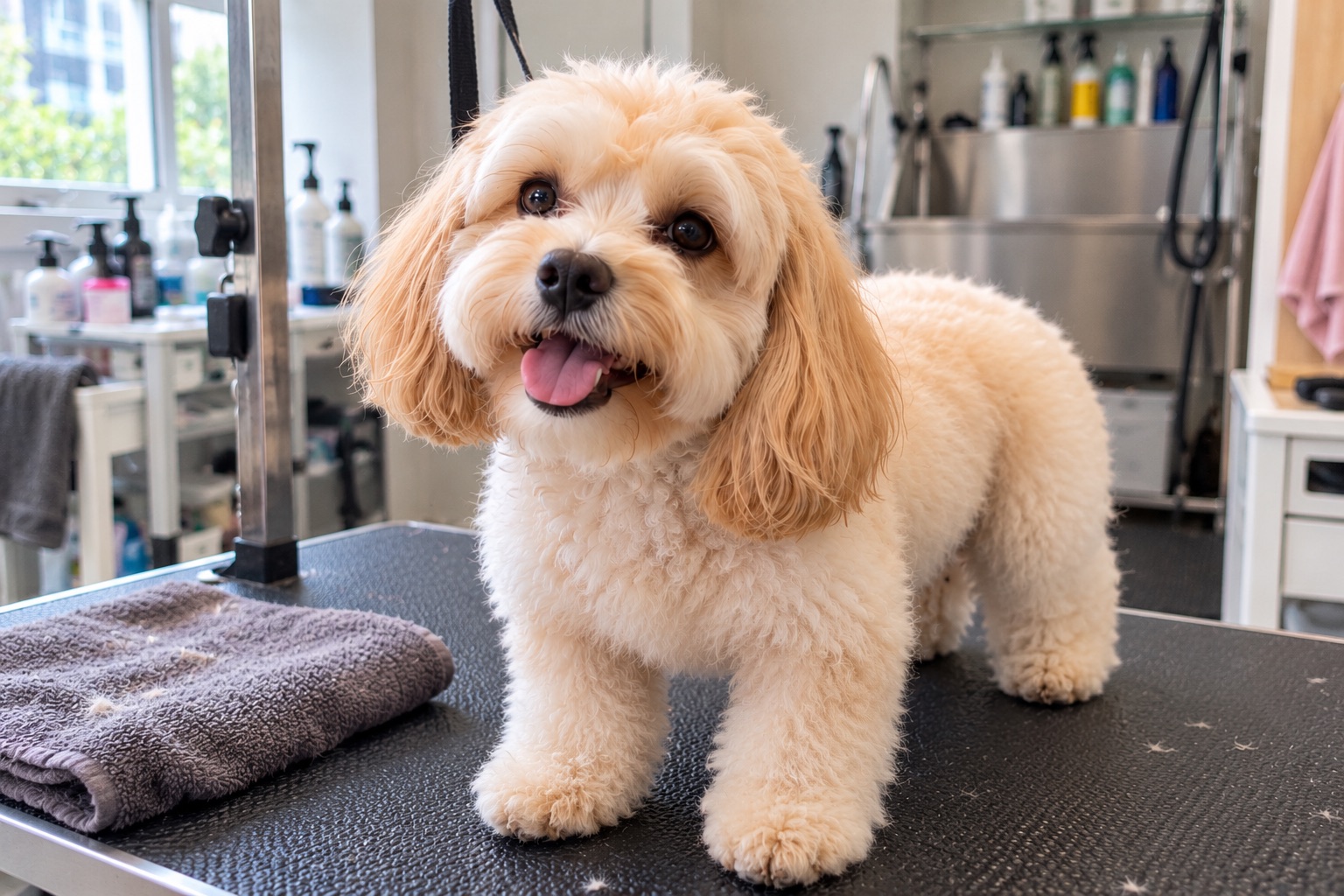
Coco · Full grooming
Emma Wong · Groomer AlexPetOS stores information supplied by the business or customer; it does not assess a pet’s health.
Record Coco’s visit as it happens
The groomer can open Coco’s booking on a phone, check the care note, and add short report details during the visit. A few quick updates give the team material for the report card after grooming.
Review the pet, record the service, and capture photos as the visit progresses.
 Booking BK-3284
Visit notes
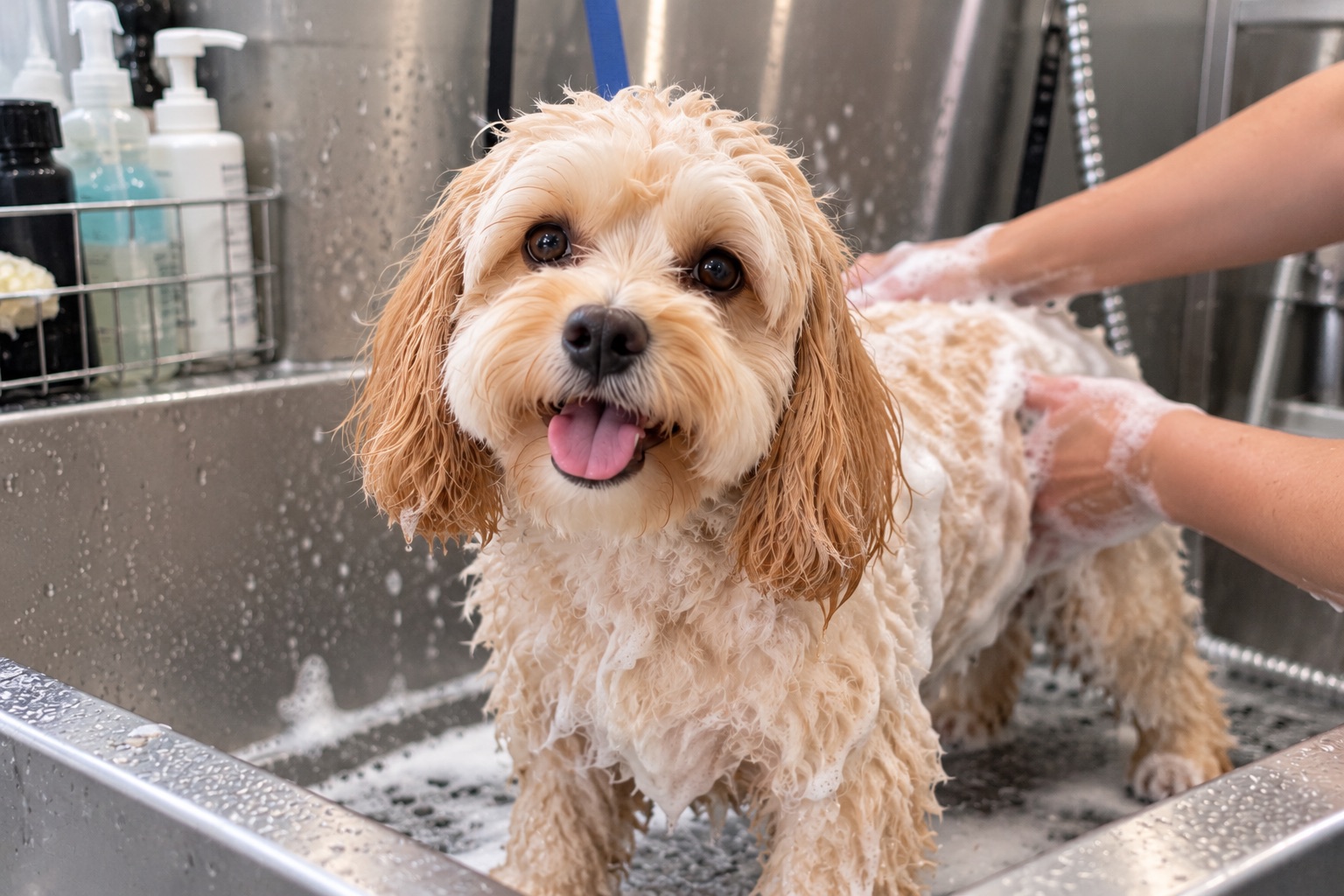
Share Coco’s report with Emma
The team turns the notes and photos into Coco’s report card, linked to her pet profile and booking. They can send the card to Emma and review the booking’s invoice and payment status.
Coco’s full grooming
Emma Wong · Tuesday appointmentBooking, report card, invoice, and payment status remain linked in PetOS.
Explore the practical questions
Topics for planning a salon, pricing services, and preparing for customer visits.
Explore the grooming workflow in more detail
Start with bookings or browse the wider PetOS platform.