

Order online
Customers choose a variant, review the cart, and complete checkout on your public store.

Show customers clear product photos, prices, and options. Take orders on your public store or sell at the counter with POS, while keeping payment and stock records close to each sale.

Show photos, descriptions, prices, and available options on your public store. Behind the scenes, keep each variant’s SKU, barcode, cost, and stock in its product record.

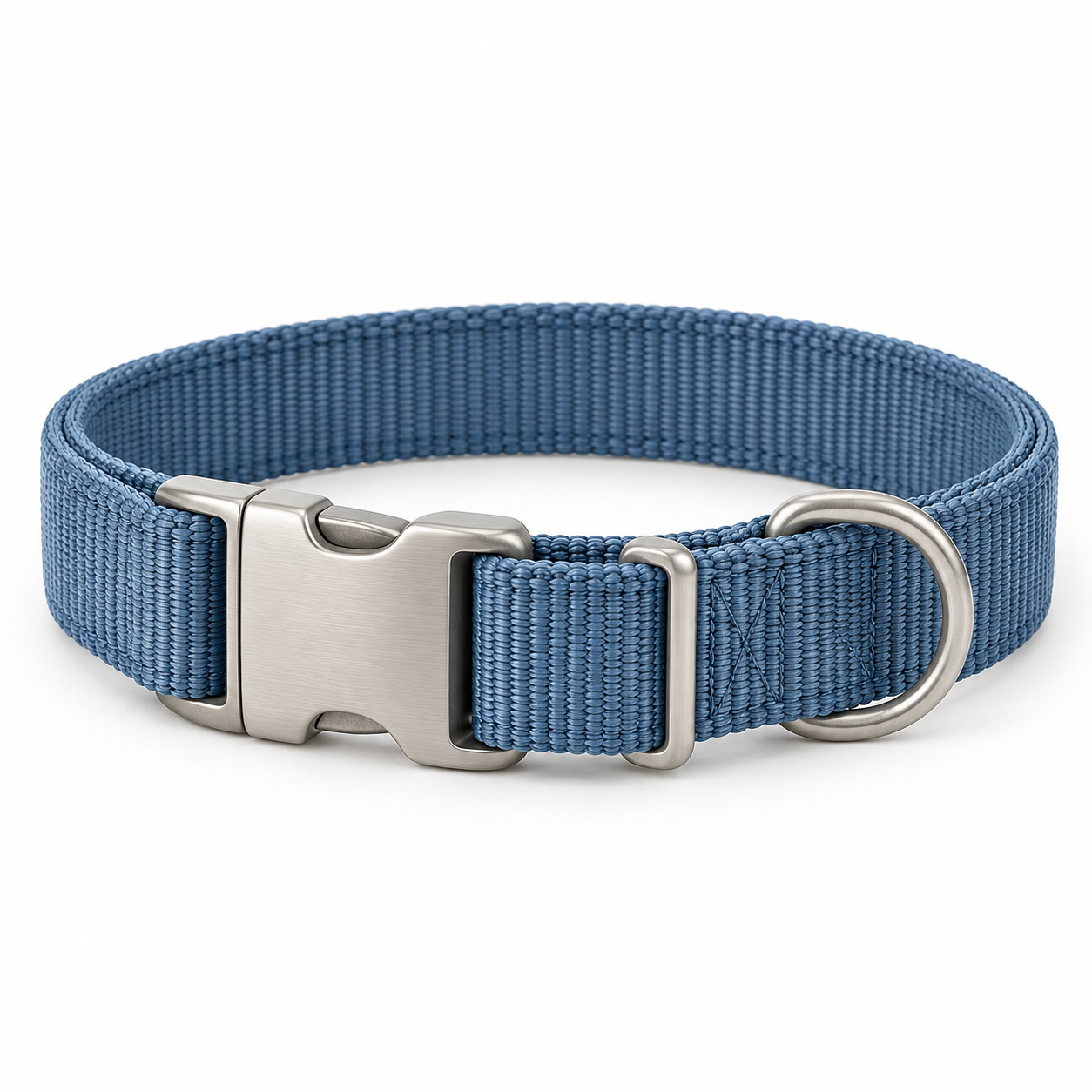
A durable everyday collar with an adjustable fit.
US$5Choose a sizePrepare English and Traditional Chinese product names and descriptions with translation assistance, then review the content before publishing.
The same product can be purchased through your customer-facing store or added to a staff-run POS sale. Each channel gets its own clear checkout experience.
Customers choose a variant, review the cart, and complete checkout on your public store.

Staff search the catalog, add the right variant, and check out a known customer or a walk-in.

Offer online checkout through a connected payment account where enabled. At POS, your team can record cash, card, or another method the shop accepts, with the payment status on the sale.
Customers see their cart and payment choice. The resulting product order keeps its payment status alongside shipping and fulfillment details.
Staff can choose a customer or walk-in, apply an eligible product discount or credit, and record the method used to pay.
Payment choices depend on the shop’s setup. Bank transfer here is collected by the shop and recorded as “Other method”; it does not imply a direct PetOS integration.
Set a product credit or discount perk within a membership. For a product discount, choose which items and customers qualify, then set how often the offer can be used.
Decide what Care Club includes, then see each customer’s active membership and available product credit in their record.
Choose the eligible product and customers, then add an overall limit and a per-customer limit to the offer.
Tide Nylon Collar · selected productIllustrative membership and discount setup. Available benefits depend on the shop’s configuration and each customer’s eligibility.
Explore memberships & discountsCheck stock by variant and review the activity behind a change. Keep supplier details and purchase orders with your products so the team can follow incoming stock as well as sales.

Record supplier contact information and purchase orders. When stock is received through a purchase order, its inventory activity can be reviewed alongside sales changes.
Inventory changes follow the applicable product and stock configuration.
Explore inventory & purchasingSee the tools behind your product catalog, online store, POS, payments, and stock.