
POS checkout
Sell products, services, and packages at POS
Find all three in the catalog, add them to one cart, select a customer or handle a walk-in sale, and record payment.

Add products, services, and service packages to the same POS cart. Keep product details and stock connected to in-person sales, online orders, and purchase orders.
Take payment using the methods your shop offers, then record how the customer paid against the same POS sale. The team can see the amount, method, and payment status together.
Three items in one cart
Payment options depend on each shop’s own setup. PetOS can record cash, card, and other payment methods; Stripe Connect is available where enabled. The brands above are examples, not a list of direct PetOS integrations.
Follow one collar through a received purchase order, an online order, and an in-store sale. Each movement shows its source and the balance that follows.
When inventory tracking applies, sales and received purchase orders can update stock and appear in the activity log.
Give the team a clear view of what is being sold, what is in stock, and where each order stands.
Find all three in the catalog, add them to one cart, select a customer or handle a walk-in sale, and record payment.
Use English and Traditional Chinese on customer-facing pages. Translation assistance can help as you create product names and descriptions.
Give each variant its own SKU, barcode, price, cost, and stock within the product catalog.
Open a movement to see its source, quantity, and before-and-after balance. Your team can trace a change back to the sale or received order.
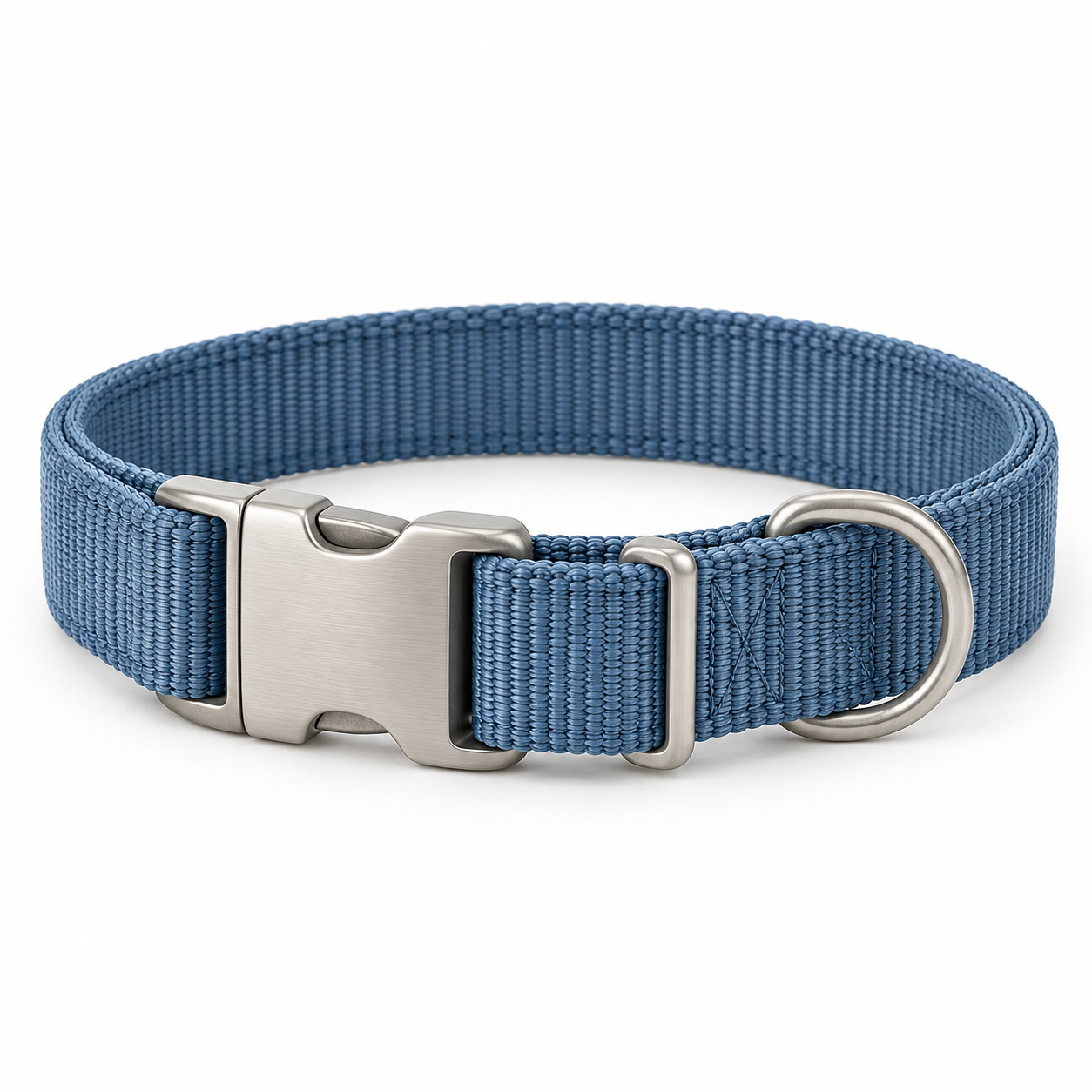 Tide Nylon CollarBlue / Small · COL-BLU-S−1
Keep supplier and purchase order details with your products. Review online payment, fulfillment, shipping, and tracking information.
Pet supply stores can manage catalogs and stock. Service businesses can sell products, services, and packages through the same POS catalog.






Supported membership product credits can be applied at checkout. Review revenue and costs in the finance overview.
Explore PetOS for your kind of shop, or browse the other platform tools.
Explore your business type Explore PetOS capabilities