Bookings, customers & pets
Upcoming bookings, service details, customer records, pet records, and booking status.
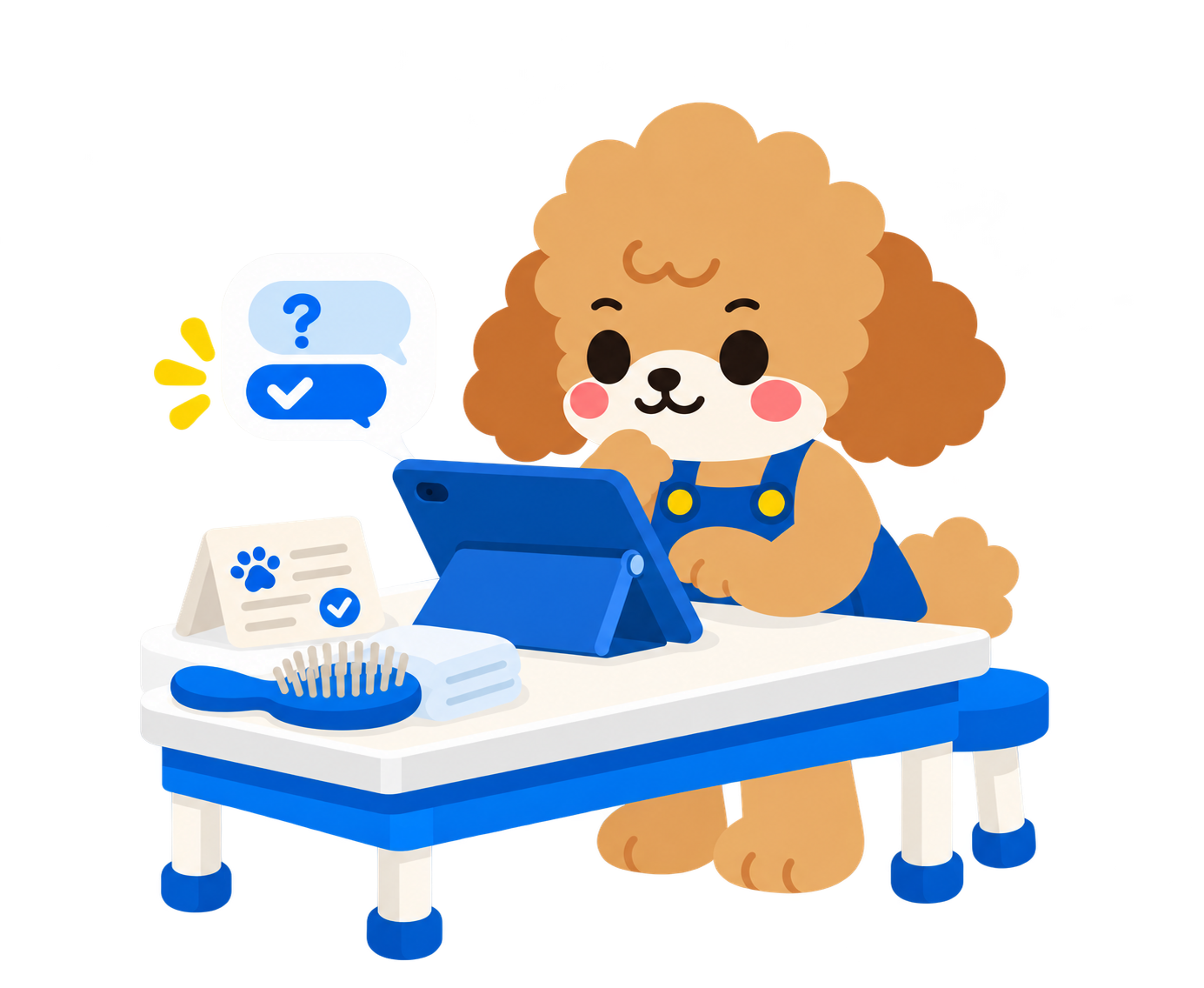
Ask a question in plain language. Doki uses supported PetOS records to answer, whether you need an upcoming booking, a stock check, or a finance summary.
Service schedule and linked pet records
Here are three bookings from the schedule:
Pick a question. The answer shows the record or workflow Doki used, so you can see what happens next.
Here are selected booking records with their linked pets.
These example variants have low available stock in the product records.
Revenue and costs recorded in PetOS:
Doki can guide the supported revenue CSV export workflow. Review the selected revenue records and the resulting file in PetOS.
Here are example details from the service record.
These are the PetOS areas Doki can draw on when answering a supported question.
Upcoming bookings, service details, customer records, pet records, and booking status.
Variants, SKUs, prices, brands, categories, stock levels, service prices, and duration.
Sales summaries, revenue and costs, recent activity, invoice questions, and CSV guidance.
Supported purchase-order, supplier, and shipping questions within Doki's scope.
Each answer helps your team find a record, review a result, or continue with the right workflow.
Ask where to check an invoice, supplier order, or shipment. Doki points you to the relevant PetOS record.
Get a concise list with the pet, customer, service, time, and booking status in one answer.
See which variant needs attention, its available stock, and the product details behind it.
Compare revenue and costs, then find guidance for the supported CSV export workflow.
Doki helps you find information quickly. Your team can verify the answer and continue in the relevant PetOS workflow.
Use a booking, stock, service, invoice, or finance question.
Read the key detail and identify the related PetOS record.
Review the record before taking the next step.
Service-price updates are available through a specifically supported integration.
Open the linked invoice to check its payment status and recent activity. Review the invoice record before taking action.
Explore the PetOS platform or find the tools for your business.
Explore PetOS capabilities Explore your business type